there are a couple integrations to improve rovr’s functionality. enable and configure them in your config.toml file.
rovr +
╭─ Options ───────────────────────────────────────────────────────────────────────────────────────────────────────────────────────────────────╮
│ │
│─────────────────────────────────────────────────────────────────────────────────────────────────────────────────────────────────────────────│
│ │
/home/nspc911/Git/NSPC911/rovr/
│
╰─────────────────────────────────────────────────────────────────────────────────────────────────────────────────────────────────────────────╯
╭─ Sidebar ─────╮
╭─ Files ────────────────────────────────────────────────────────────────────╮
╭─ Folder Preview ─────────────────────────────╮
│ Search │ │ () Search
╭─ zoxide ──────────────────────────────────────────────────────────────────────────╮
│ │
Home
│ │
.copr
│
Enter directory name or pattern
│ │ │
Trash
│ │
.git
╰───────────────────────────────────────────────────────────────────────────────────╯
│ │
Downloads
│ │ .github
╭─ Folders ─────────────────────────────────────────────────────────────────────────╮
│ │
Documents
│ │ .pytest_ │
2152.0 │ /home/nspc911/Git/NSPC911/rovr
│ │
Desktop
│ │ .ruff_ca │
676.0 │ /home/nspc911/.local/share/chezmoi
│ │
Pictures
│ │
.venv
│
154.0 │ /home/nspc911/Downloads
│ │
Videos
│ │
dist
│
148.0 │ /home/nspc911/Git/NSPC911
▆ │ │
Music
│ │
docs
│
104.0 │ /home/nspc911/Git
│
│ Pinned │
│
src
│
72.0 │ /home/nspc911/Git/NSPC911/textual-drivers
│ │
chezmoi
│ │
tests
│
32.0 │ /home/nspc911/Git/NSPC911/forks/wezterm
│ │
Git
│ │ .gitigno │
30.0 │ /home/nspc911/Git/NSPC911/pytrash
│ │
docs
│ │ .pre-com │
28.5 │ /home/nspc911/Git/NSPC911/forks/helix
│ │
rovr
│ │ AGENTS.m │
11.0 │ /home/nspc911/.config/niri
│
│ Drives │
│ CHANGELO │
11.0 │ /home/nspc911/Pictures
│ │
/
│ │ CODE-OF- │
8.0 │ /home/nspc911/Git/NSPC911/forks/textual-image
│ │
/srv
│ │ codebook │
6.8 │ /home/nspc911/Git/NSPC911/textual-trials
│ │
/root
│ │ CONTRIBU │
6.5 │ /
│ │
/home
│ │ large.xm │
6.0 │ /home/nspc911/Git/NSPC911/rovr/src/rovr
│ │ │ │ LICENSE │
5.0 │ /home/nspc911/Git/NSPC911/forks/niri
│ │ │ │ nuitka.c │
4.8 │ /home/nspc911/Git/NSPC911/forks/textual
│ │ │ │ package.
╰────────────────────────────────────────────────────────────────────────────
1/89 ─╯ │ ╰───────────────╯
╰────────────────────────────────────────────────────────────
NORMAL ─ 1/26 ─╯
╰──────────────────────────────────────────────╯
╭─ Processes ─────────────────────────────────╮╭─ Metadata ───────────────────────────────────╮╭─ Clipboard ──────────────────────────────────╮
│ ││ Type Directory │ │ │ ││ Permissions drwxr-xr-x │ │ │ ││ Size -- │ │ │ ││ Modified 2026-09-08 09:55 ▇ │ │ │ ││ Accessed 2026-09-08 09:55 │ │
╰─────────────────────────────────────────────╯╰──────────────────────────────────────────────╯╰──────────────────────────────────────────────╯
zoxide allows you to zip around your filesystem, and can be integrated into rovr
show_scores = false # include the zoxide scores in the results
" z " = { action = " cd_zoxide " , desc = " Jump to a directory " }
to allow for more file previews, bat can be used for its syntax highlighting capabilities.
rovr +
╭─ Options ───────────────────────────────────────────────────────────────────────────────────────────────────────────────────────────────────╮
│ │
│─────────────────────────────────────────────────────────────────────────────────────────────────────────────────────────────────────────────│
│ │
/home/nspc911/Git/NSPC911/rovr/
│
╰─────────────────────────────────────────────────────────────────────────────────────────────────────────────────────────────────────────────╯
╭─ Sidebar ─────╮
╭─ Files ────────────────────────────────────────────────────────────────────╮
╭─ Folder Preview ─────────────────────────────╮
│ Search │
╭─ Find Files ──────────────────────────────────────────────────────────────────────╮
╭─ fd options ─────────╮
│ │
Home
│ │
\.py
│ │
Relative Paths
│ │ │
Trash
│
╰───────────────────────────────────────────────────────────────────────────────────╯
│
Follow Symlinks
│ │ │
Downloads
│
╭─ Files ───────────────────────────────────────────────────────────────────────────╮
│
No Ignore Parents
│ │ │
Documents
│ │
docs/scripts/compile_schema.py
│
Search Hidden
│ │ │
Desktop
│ │
docs/scripts/contexts.py
│ Filter Type │ │ │
Pictures
│ │
docs/scripts/generate_schema.py
▅ │ Files │ │ │
Videos
│ │
docs/scripts/icon_test.py
│ Folders │ │ │
Music
│ │
docs/scripts/nuitka_bytecode_plugin.py
│ Symlinks │ │
│ Pinned │
│
docs/scripts/post-nuitka-build.py
│ Executables │ │ │
chezmoi
│ │
docs/scripts/screen_test.py
│ Empty │ │ │
Git
│ │
src/rovr/__init__.py
│ Socket │ │ │
docs
│ │
src/rovr/__main__.py
│ Pipe │ │ │
rovr
│ │
src/rovr/action_buttons/__init__.py
│ Char-Device │ │
│ Drives │
│
src/rovr/action_buttons/copy_button.py
│ Block-Device │ │ │
/
│ │
src/rovr/action_buttons/cut_button.py
╰──────────────────────╯ │ │
/srv
│ │
src/rovr/action_buttons/delete_button.py
│ │
/root
│ │
src/rovr/action_buttons/new_item_button.py
│ │
/home
│ │
src/rovr/action_buttons/paste_button.py
│ │ │ │
src/rovr/action_buttons/rename_item_button.py
│ │ │ │
src/rovr/action_buttons/sort_order.py
│ │ │
╰───────────────────────────────────────────────────────────────────────────
1/125 ─╯ │ ╰───────────────╯
╰────────────────────────────────────────────────────────────
NORMAL ─ 1/26 ─╯
╰──────────────────────────────────────────────╯
╭─ Processes ─────────────────────────────────╮╭─ Metadata ───────────────────────────────────╮╭─ Clipboard ──────────────────────────────────╮
│ ││ Type Directory │ │ │ ││ Permissions drwxr-xr-x │ │ │ ││ Size -- │ │ │ ││ Modified 2026-09-08 09:55 ▇ │ │ │ ││ Accessed 2026-09-08 09:55 │ │
╰─────────────────────────────────────────────╯╰──────────────────────────────────────────────╯╰──────────────────────────────────────────────╯
uses fd to search recursively in the current directory
follow_symlinks = false # search inside symlinks as well
no_ignore_parent = false # ignore .ignore files from parent directories
default_filter_types = [ " file " , " directory " ] # set default item filters (like `file`, `directory`, etc.)
timeout = 15 # set it to a reasonably high amount, searching without indexing takes time
threads = 2 # use multiple threads for faster searching
" f " = { action = " search_fd " , desc = " Search for files " }
rovr +
╭─ Options ───────────────────────────────────────────────────────────────────────────────────────────────────────────────────────────────────╮
│ │
│─────────────────────────────────────────────────────────────────────────────────────────────────────────────────────────────────────────────│
│ │
/home/nspc911/Git/NSPC911/rovr/
│
╰─────────────────────────────────────────────────────────────────────────────────────────────────────────────────────────────────────────────╯
╭─ Sidebar ─────╮
╭─ Files ────────────────────────────────────────────────────────────────────╮
╭─ Folder Preview ─────────────────────────────╮
│ Search
╭─ Find in files ───────────────────────────────────────────────────────────────────╮
╭─ rg options ──────────╮
│ │
Home
│
textual
│ │
Case Sensitive
│ │ │
Trash
╰───────────────────────────────────────────────────────────────────────────────────╯
│
Follow Symlinks
│ │ │
Downloads
╭─ Results ─────────────────────────────────────────────────────────────────────────╮
│
Search Hidden Files
│ │ │
Documents
│ CHANGELOG.md: 6 │
No Ignore Parents
│ │ │
Desktop
│ README.md: 5 ╰───────────────────────╯ │ │
Pictures
│ AGENTS.md: 2 ▇ │ │
Videos
│ codebook.toml: 2 │ │
Music
│ pyproject.toml: 13 │
│ Pinned
│
tests/test_filelist_component_classes.py:
3 │ │
chezmoi
│
tests/test_textual_monkey_patch.py:
5 │ │
Git
│
tests/test_clipboard.py:
1 │ │
docs
│
tests/test_navigation.py:
2 │ │
rovr
│
tests/test_pinned_sidebar.py:
3 │
│ Drives
│
tests/test_keys.py:
2 │ │
/
│ uv.lock: 81 │ │
/srv
│
tests/test_functions_themes.py:
4 │ │
/root
│
tests/test_cursor_navigation.py:
5 │ │
/home
│
tests/test_action_buttons.py:
1 │ │ │
tests/test_functions_path.py:
1 │ │ │
tests/test_preview_container.py:
1 │ │
╰───────────────────────────────────────────────────────────────────────────
1/137 ─╯ │ ╰───────────────╯
╰────────────────────────────────────────────────────────────
NORMAL ─ 1/26 ─╯
╰──────────────────────────────────────────────╯
╭─ Processes ─────────────────────────────────╮╭─ Metadata ───────────────────────────────────╮╭─ Clipboard ──────────────────────────────────╮
│ ││ Type Directory │ │ │ ││ Permissions drwxr-xr-x │ │ │ ││ Size -- │ │ │ ││ Modified 2026-09-08 09:55 ▇ │ │ │ ││ Accessed 2026-09-08 09:55 │ │
╰─────────────────────────────────────────────╯╰──────────────────────────────────────────────╯╰──────────────────────────────────────────────╯
uses ripgrep to search inside files
no_ignore_parent = false # ignore .ignore files from parent directories
timeout = 60 # set it to a much higher amount, content searching takes time
threads = 4 # use multiple threads for faster searching
" \ " = { action = " search_rg " , desc = " Search file contents " }
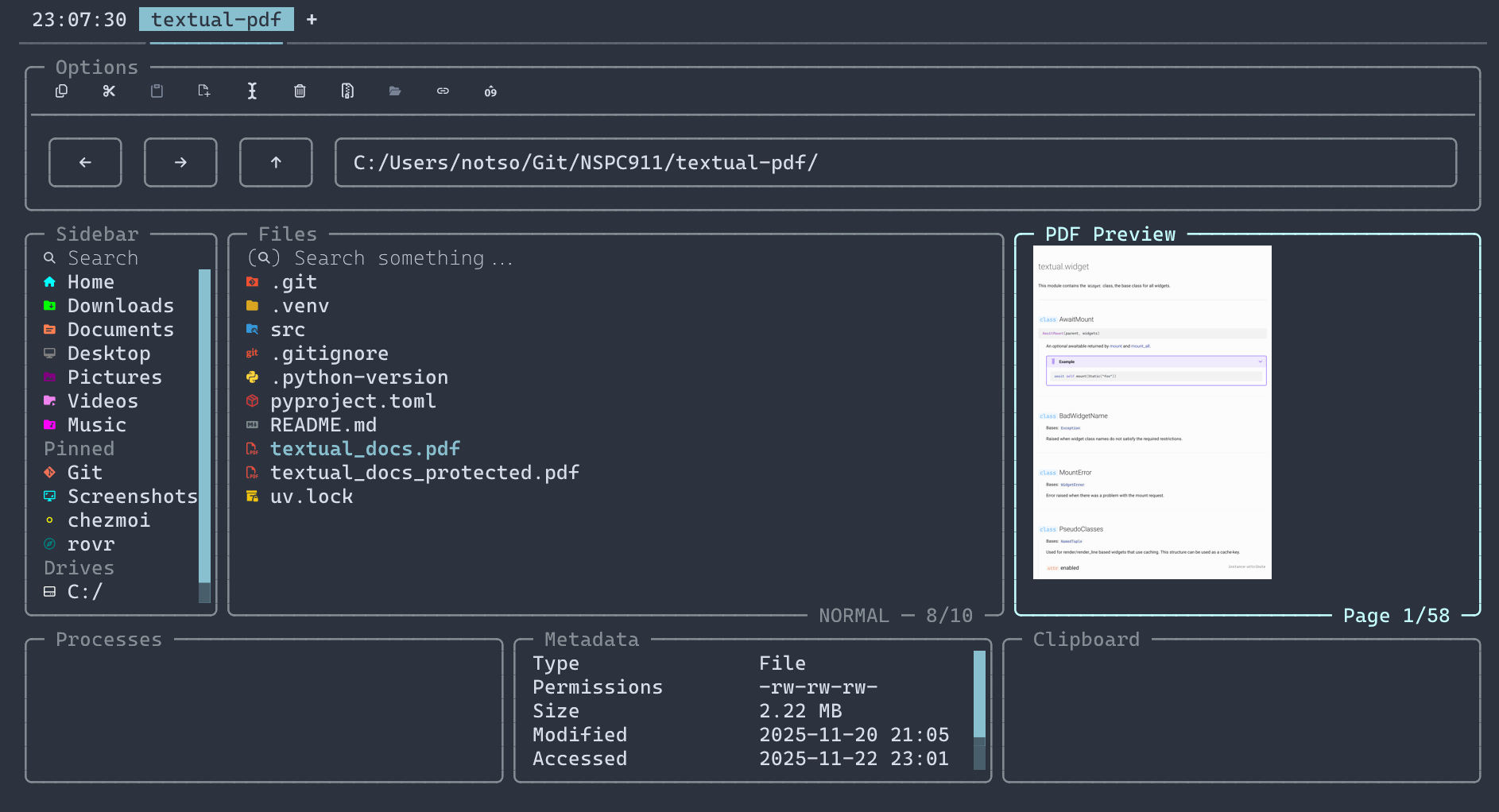
uses poppler to preview PDF files
use_pdftocairo = false # use pdftocairo instead of pdftoppm (may help performance)
poppler_folder = "" # where the poppler tools are installed (auto detected).
uses the file
rovr automatically detects file in your PATH, or you can set the YAZI_FILE_ONE or ROVR_FILE_ONE (higher priority) environment variables to specify a custom path.
get_description = true # whether to get extra file description from `file -b <file>` (default: `true`)
uses the resvg_py
this cannot be disabled, as it doesn’t depend on the resvg binary, but rather the maturin binding itself.
# refer to https://resvg-py.readthedocs.io/en/latest/api.html
shape_rendering = " geometric_precision "
text_rendering = " geometric_precision "
image_rendering = " optimize_quality "
uses the imagemagick